It is a frustratingly common PC gaming mystery: you launch a new game, grab your gamepad, and nothing happens, or your character spins wildly out of control. For one player, the culprit behind this headache turned out to be a forgotten pair of flight pedals plugged into the back of their rig, quietly hijacking their inputs. They only figured this out after launching ControllerMeta, a diagnostic utility that immediately laid bare exactly which USB devices were fighting for dominance.
Most of us treat our controllers as simple plug-and-play tools. We press a button, a pixel moves, and we don’t think about the microsecond delays or the hardware polling rates happening behind the screen. But for competitive players, hardware enthusiasts, and anyone trying to diagnose a malfunctioning joystick, those invisible processes are everything. ControllerMeta is an inexpensive Windows utility designed to drag those invisible metrics directly into the light.
The Anatomy of a Gamepad
At its core, ControllerMeta is less of a traditional game and more of a highly specialized playground for hardware testing. Instead of navigating levels, you spend your time watching real-time graphs react to the slightest tilt of your thumbsticks. The software is built around giving you a granular view of your hardware’s performance, supporting a wide array of protocols including DualSense, DualShock 4, Xbox Series/One, and first-generation Switch Pro controllers.
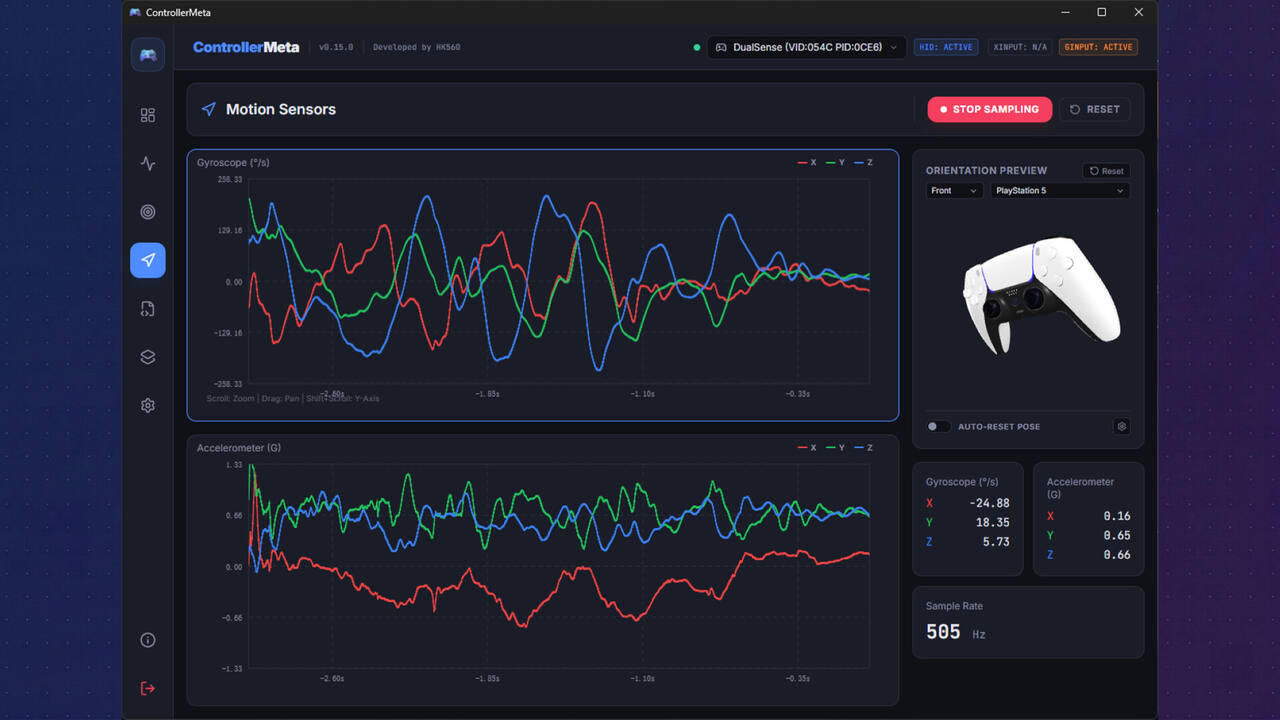
What makes the software stand out from basic, web-based controller testers is its deep dive into the technical details. It features joystick trajectory drawing, step testing for joystick resolution bit-depth, and real-time sensor detection paired with a responsive 3D model that mimics your controller’s physical orientation. If you want to see exactly how your gyroscope registers tilt, or how smooth your thumbstick’s circularity actually is, the software plots these data points in real time.
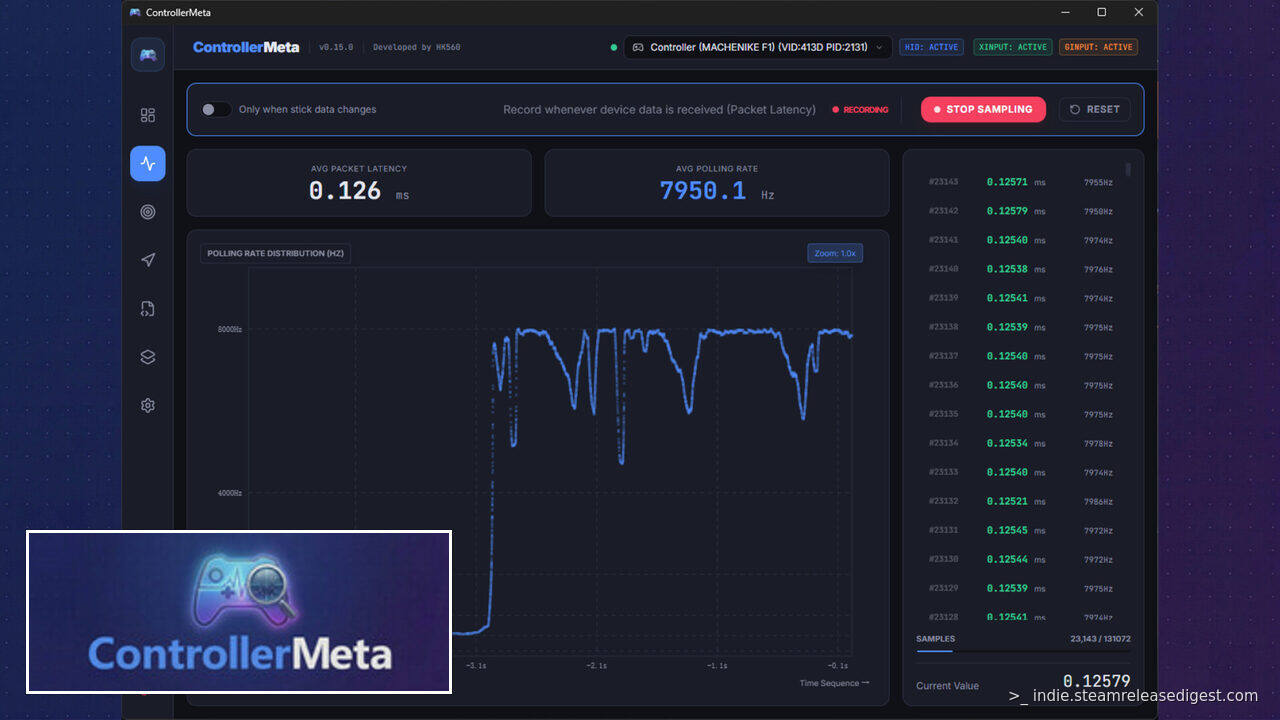
For the competitive crowd, the main draw is the ultra-low latency polling rate detection. By utilizing a high-precision Direct HID capture mode, the utility bypasses the standard Windows message queues and Xinput protocol layers that typically introduce artificial latency. This allows it to achieve microsecond-level sampling precision, meaning it can theoretically monitor esports controllers pushing polling rates from 1000Hz all the way up to an extreme 8000Hz.
What Players Love (And Where the Numbers Get Weird)
For a niche utility priced at a modest $1.50, ControllerMeta has earned a highly positive reception, currently sitting at an 80% approval rating. Users praise its sheer convenience. Unlike older diagnostic tools that require navigating confusing driver setups, players note that this app is incredibly straightforward, with one reviewer highlighting that there is “no need to worry about settings” to get it up and running. It functions as an immediate, painless health check for your hardware, especially if you want to display your controller inputs on stream using its built-in floating OBS window overlay.
However, the software is not without its eccentricities, particularly when it comes to its highly touted polling rate benchmarks. While the developer promises highly accurate, raw data, one reviewer pointed out a puzzling discrepancy. They noted that their controller, which consistently registers around a 380 to 400Hz polling rate on other diagnostic tools, was repeatedly benchmarked at a flat 500Hz in ControllerMeta. This quirk led them to call the utility’s benchmarking feature “weird” and labeled it as a “kinda fake bench” due to its seemingly rigid rounding behavior. For a tool aimed at hardcore enthusiasts who obsess over exact microsecond variances, inconsistencies like this can understandably dent its credibility.
The Verdict
ControllerMeta is not a casual toy, nor is it a utility that every PC gamer needs sitting in their Steam library. If your controller works fine and you do not care about the difference between a 250Hz and a 1000Hz polling rate, you can safely skip this one.
However, if you are a streamer looking for a clean input overlay, an esports enthusiast trying to verify if your expensive third-party gamepad is actually hitting its advertised polling rates, or simply someone trying to figure out why your flight pedals are ruining your favorite action game, ControllerMeta is a bargain. At just $1.50, it is a highly functional, visual, and accessible diagnostic toolkit that easily justifies its price tag—even if you have to take its highest polling benchmarks with a small grain of salt.
Key Facts
- Developer: HK560
- Publisher: Opus560 Studio
- Release Date: May 12, 2026
- Price: $1.50